GuardianLock
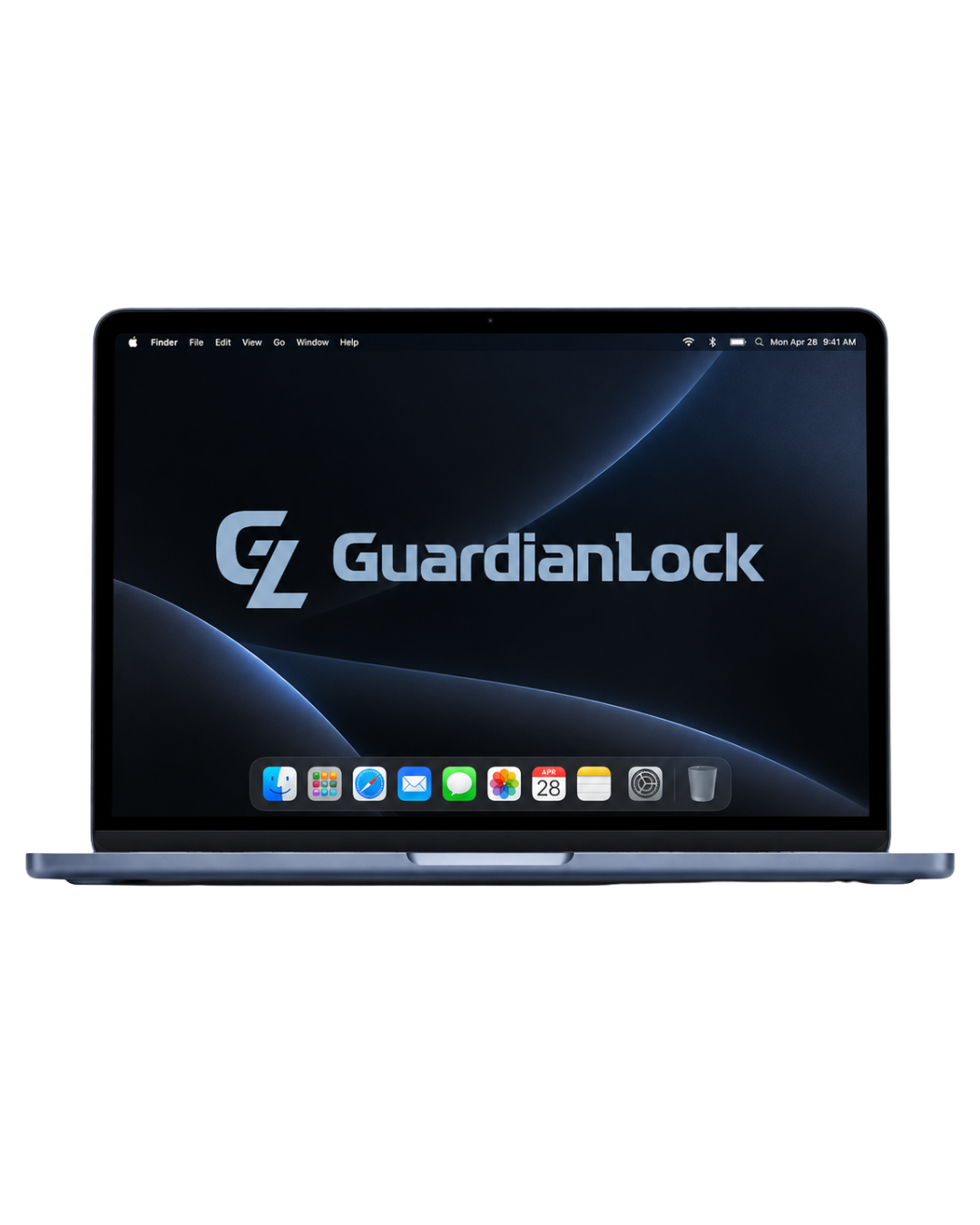
GuardianLock YES for Mac - COMING SOON
GuardianLock YES for Mac - COMING SOON
One-time initial signup is included in your first month
Couldn't load pickup availability
SKU:
GuardianLock YES™ for Mac — COMING SOON
YES: Your Essential Safety — GuardianLock Protection for the Mac You Already Own
Coming Soon — $25/month
YES for Mac brings GuardianLock protections to your existing Mac without requiring you to purchase a new device.
You receive a custom-tailored GuardianLock profile built around the user’s needs, along with access to GuardianLock management tools, ongoing support, and the same core protection framework used across the GuardianLock ecosystem.
Monthly subscription required. Cancel anytime. No long-term contract required. GuardianLock protections and support remain active while your subscription is current.
Use Your Existing Mac
YES for Mac is a BYOD solution.
No new Mac is included.
GuardianLock configures a custom protection profile for installation on your compatible Mac, allowing you to keep the device you already own while adding GuardianLock controls and support.
Compatible Mac models will be confirmed at launch.
GuardianLock Protection for macOS
Your GuardianLock profile can be configured to create a safer, more intentional Mac experience.
Available protections may include:
- App access controls — allow, limit, or block applications
- Web protection — restrict unsafe or inappropriate websites
- Content filtering — apply customized filtering based on the user
- Browser controls — manage access to web browsing
- System permission controls — restrict unwanted settings changes
- Downtime and schedules — create focus periods, usage windows, or restricted times
- User-specific configurations — tailor protections around age, needs, and independence
- Simplified configurations — reduce unnecessary access and distractions when appropriate
Your profile is customized rather than relying on a one-size-fits-all setup.
Everything Included
Your $25/month YES for Mac subscription includes:
- Custom GuardianLock configuration profile
- Guided profile installation
- GuardianLock protection and control features
- Access to the GuardianLock Manager App
- Ongoing configuration support
- Assistance with protection changes and adjustments
- GuardianLock customer support
- Continued access to the GuardianLock ecosystem
No physical device, charger, accessories, or hardware are included.
GuardianLock Manager App
YES for Mac includes access to the GuardianLock Manager App, giving you one place to manage supported GuardianLock protections and devices.
Depending on the configuration, you can manage or request changes to areas such as:
- App access
- Web filtering
- Content restrictions
- Downtime
- User permissions
- Protection settings
GuardianLock support is also available when you need help making changes or adjusting the profile.
Choose Your GuardianLock Plan
Your plan determines how much ongoing control, customization, and support is available after setup.
-
ES — Essential
Core GuardianLock protections and standard management controls. -
ADV — Advanced (Default)
Expanded controls, deeper customization, and more flexible management options. -
EX — Executive
Full access to advanced GuardianLock controls, fine-tuning, and maximum flexibility.
Custom Profiles & Protection Levels
Every YES for Mac setup begins with a profile designed around the person using the device.
Step 1: Choose a Profile
Select the profile that best fits the user:
- Child — Maximum structure and protection
- Teen — Balanced protection with increasing independence
- Adult — Flexible controls for a more intentional environment
- Senior — Streamlined protection and simplified access where needed
Each profile provides a starting point that can then be customized.
Step 2: Choose a Protection Level
Select the amount of restriction appropriate for the user:
-
Level 1 — Light
Minimal restrictions with broader access -
Level 3 — Balanced
Moderate protections and structured boundaries -
Level 5 — Strict
Maximum restriction and tighter control
Protections can be adjusted over time as needs change.
How It Works
- Subscribe to YES for Mac
- Tell us how the Mac will be used
- Choose your profile and protection level
- GuardianLock builds your custom configuration
- Install the GuardianLock profile on your existing Mac
- Manage supported settings through GuardianLock and receive ongoing support
No new computer. No device replacement.
Just GuardianLock protection added to the Mac you already use.
Built to Adapt
Your GuardianLock configuration does not have to stay the same forever.
Settings can evolve as the user’s needs, responsibilities, and level of independence change.
Start with stronger restrictions when appropriate, then adjust access over time without rebuilding the device from scratch.
Important Details
- Coming soon
- $25/month
- Cancel anytime
- BYOD / software-and-service solution
- Requires a compatible Mac
- No physical Mac or accessories included
- Includes custom GuardianLock configuration
- Includes GuardianLock Manager App access
- Includes ongoing support and configuration assistance
- Designed to operate within the GuardianLock ecosystem
Keep Your Mac. Add GuardianLock.
YES™ — Your Essential Safety.
Share