GuardianLock
GuardianLock iPad Subscription - Pre-Order
GuardianLock iPad Subscription - Pre-Order
One-time initial signup is included in your first month
Couldn't load pickup availability
SKU:
GuardianLock™ iPad
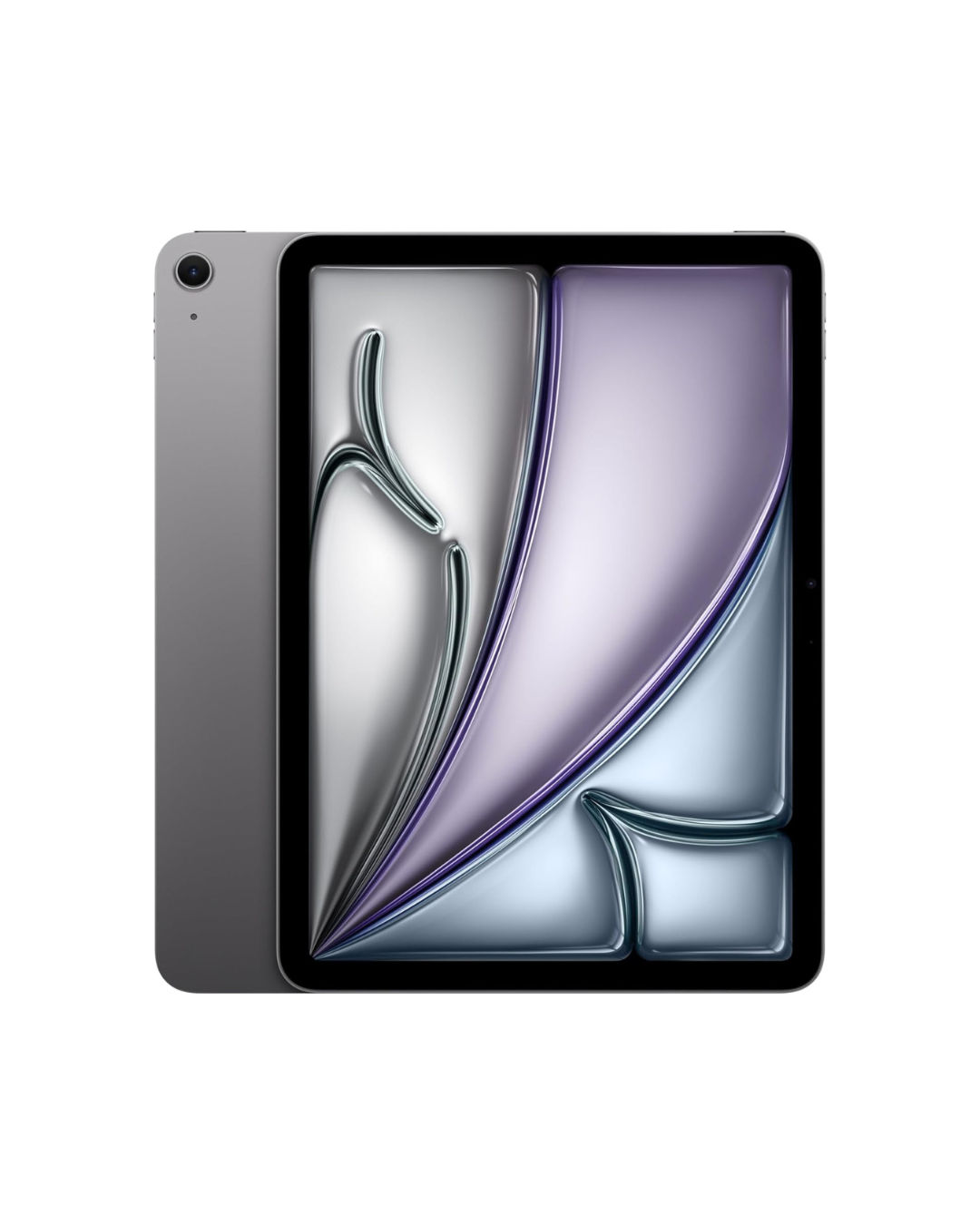
GuardianLock Advanced SafeTablet Service
Choose your model and connectivity at checkout.
Model Options: iPad (A16) or iPad Pro (M4)
Connectivity: WiFi (standard) or Cellular (Verizon-powered add-on)
Choose Your Model
iPad (A16) — Simple & Reliable
A clean, capable tablet designed for everyday use.
- Smooth performance for apps, streaming, and schoolwork
- Easy to use and dependable for daily tasks
- Ideal for kids, families, and general use
iPad Pro (M4) — Premium & Powerful
Built for users who want the best performance and long-term capability.
- M4 chip for fast performance and advanced multitasking
- Higher-end display and responsiveness
- Better suited for productivity, school, and creative work
- More future-proof for long-term use
GuardianLock Protection, Built In
Every GuardianLock iPad is professionally configured to create a safer, more controlled, and distraction-free experience.
Features include:
- Restricted app access — allow only approved apps
- Web & browsing controls — block or limit internet access
- Content filtering — prevent explicit or unsafe content
- Communication controls — manage contacts and interactions
- Downtime scheduling — set usage hours, focus periods, or lock times
- Simplified mode (optional) — reduce distractions and unnecessary features
Designed to reduce exposure, prevent misuse, and give full control over how the device is used.
Connectivity Options
WiFi (Standard)
- Connect anywhere with a WiFi connection
- Ideal for home, school, and controlled environments
Cellular (Optional Add-On)
- Independent connectivity powered by Verizon
- Stay connected without relying on WiFi
- Pre-configured before delivery
Ready to use out of the box when selected.
Everything Included
- Pre-configured iPad (selected model)
- Protective case
- Charger
- Screen protector
- Device protection coverage
- GuardianLock setup and configuration
- Full access to GuardianLock protections and support
GuardianLock Profiles & Control Levels
Every GuardianLock device is pre-configured using a structured system designed to match the user’s age, needs, and level of independence.
Step 1: Choose a Profile
- Child — Maximum structure and protection
- Teen — Balanced control with gradual independence
- Adult — Controlled environment with flexibility
- Senior — Simplified, easy-to-use experience
Each profile includes tailored defaults for apps, communication, and content access.
Step 2: Choose a Protection Level
- Level 1 (Light) — Minimal restrictions
- Level 3 (Balanced) — Moderate protections
- Level 5 (Strict) — Maximum restriction and control
Devices can be adjusted over time as needs change.
Step 3: Choose Your Subscription Tier
- ES (Essential) — Basic post-configuration controls
- ADV (Advanced) — Expanded control over apps and restrictions
- EX (Executive) — Full access to advanced controls and customization
How It Works
Select a Profile + Level + Subscription Tier, and your device arrives fully configured and ready to use.
Adjustments can be made anytime through the GuardianLock management system.
Built to Adapt
Start more restrictive when needed, then gradually adjust over time — creating a safer, more intentional digital experience without starting over.
Important Details
- Subscription-based service (not a standalone purchase)
- Device remains part of the GuardianLock ecosystem
- Cellular is optional and selectable at checkout
- Includes GuardianLock protections, setup, and ongoing support
Share